您现在的位置是:首页 > 自动化教程 > 自动化编程教程自动化编程教程
Solidworks宏:自动分离名称和图号
 2025-12-02 08:11:53自动化编程教程957人已围观
简介 ' ;;--------------------------------------------------------------;; ' ;; Author: bati8888, Copyright 2023 - cad555.com ;; ' ;;
  ' ;;--------------------------------------------------------------;;
   ' ;; Author: bati8888, Copyright  2023 - cad555.com               ;;
   ' ;;--------------------------------------------------------------;;
   ' ;; Version 1.0.0    -    2023-03-06                             ;;
   ' ;;--------------------------------------------------------------;;
Sub main()
    Const delimiter As String = "_"
    Const codeTitle As String = "代号"
    Const nameTitle As String = "名称"

    Dim swApp As Object
    Dim Part As Object

    Dim titleTemp As String
    Dim arrayTemp() As String
    Dim strTemp As String
    Dim arrayCount As Integer
    Dim boolTemp As Boolean

    Dim code As String
    Dim name As String

    Set swApp = Application.SldWorks
    Set Part = swApp.ActiveDoc

    titleTemp = swApp.ActiveDoc.GetTitle()
    arrayTemp = Split(titleTemp, ".")
    strTemp = arrayTemp(0)
    arrayTemp = Split(strTemp, delimiter)
    arrayCount = UBound(arrayTemp)
    If arrayCount > 0 Then
         name = arrayTemp(1)
         code = arrayTemp(0)
         boolTemp = Part.DeleteCustomInfo2("", codeTitle)
         boolTemp = Part.DeleteCustomInfo2("", nameTitle)
         boolTemp = Part.AddCustomInfo3("", codeTitle, swCustomInfoText, code)
         boolTemp = Part.AddCustomInfo3("", nameTitle, swCustomInfoText, name)
    End If
End Sub
Tags: 图号 Solidworks
很赞哦! ()
相关文章
随机图文
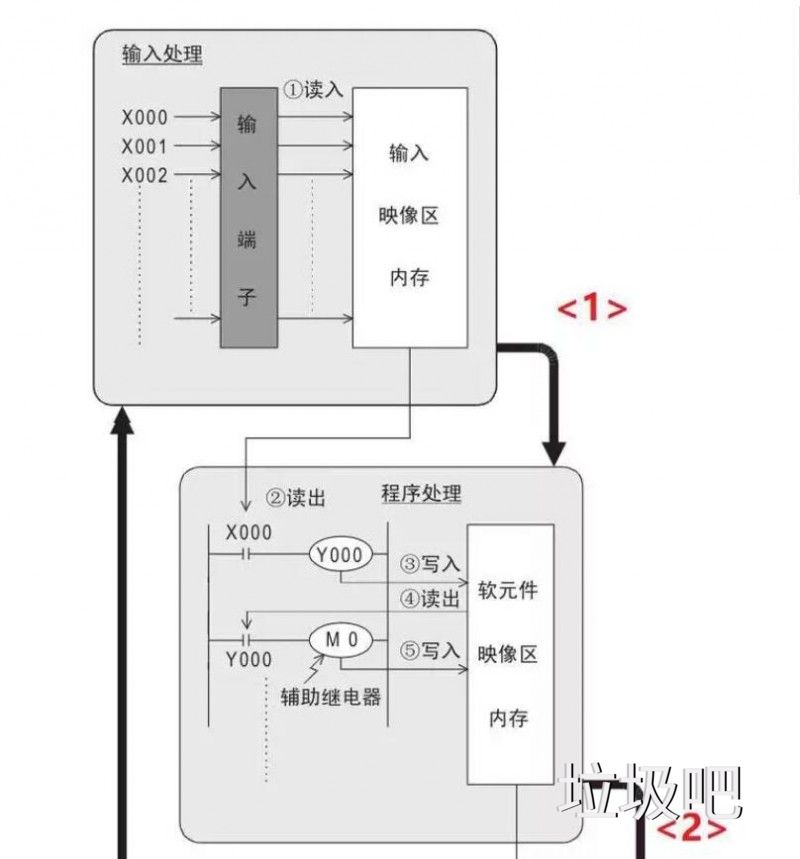
PLC梯形图编程的四个基本概念
PLC程序中经常用到中断功能,中断相当于子程序,子程序相当于主程序,说起来 PLC里的中断平时根本没什么用。这么说,像告诉脉冲处理,不用中断,只用1MS的计时能实现其功能,但是却没有中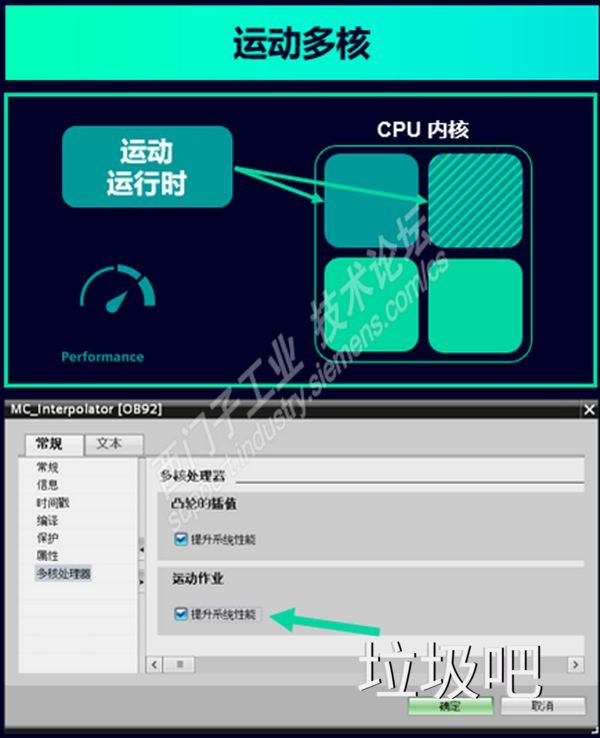
TIA Portal V21有哪些新功能,含软件下载
硬件篇S7-1200 G21.全新的V4.1固件产品功能进一步丰富和提升:支持PTO 运动控制工艺对象支持OPC UA 服务器功能,全面覆盖原有S7-1200产品的功能支持系统WEB服务器界面,更易于系
:star2: 课程介绍 PLC系列教程: 编程入门教程& 电工零基础全套PLC编程& 三菱西门子&书籍: 目录: 西门子PLC学习书籍 PLC编程入门视频教程 电工零基础全套 PLC编程LF-三菱触摸屏PLC系列教程:编程入门教程&电工零基础全套PLC编程&三菱西门子&书籍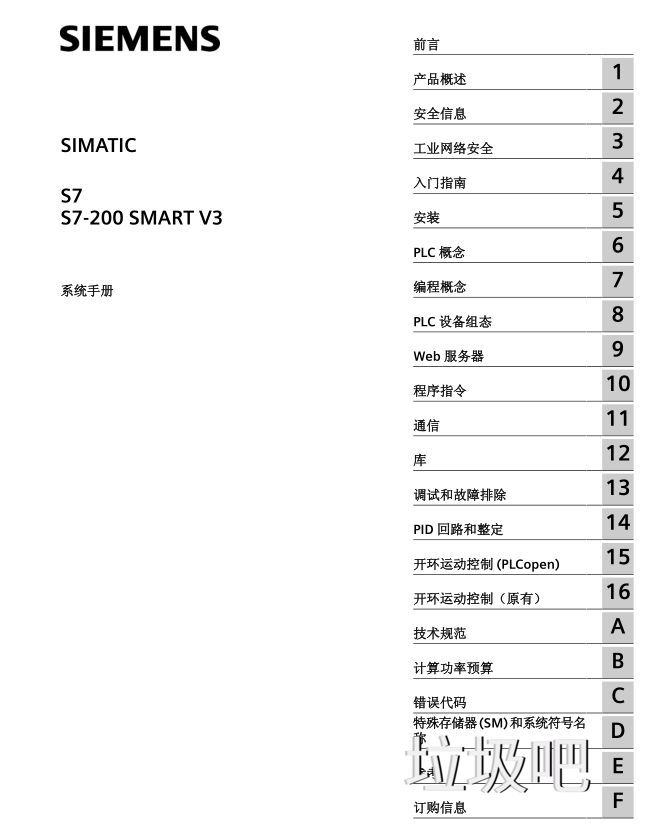
S7-200_SMART_V3系统手册
| 留言与评论 (共有 条评论) |
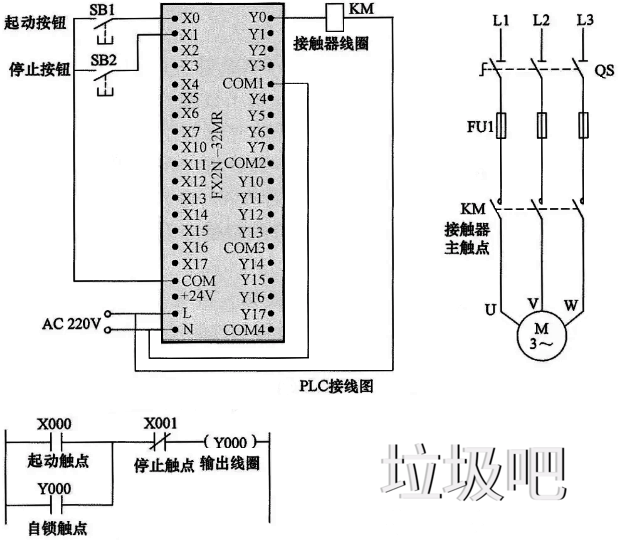
本栏推荐
猜你喜欢
- solidworks宏添加快捷键
- 西门子触摸屏入门视频教程 赠送安装软件 西门子触摸屏编程软件 (始flexible+08sp4)smart700+HMI例子.zip 4.4MB WinCC_flexible_2008_SP4
PLC系列教程:编程入门教程&电工零基础全套PLC编程&三菱西门子&书籍- SolidWorks 华中科技大学一周讲完的SolidWorks教程,整整200集
- 西门子smatr语句表(STL)编程手册
- PLC开关量输入接线,我总结了这两句口诀,分享给你
- S7-200 SMART PLC仿真软件使用
- 通过一个SCL编程示例(圆盘工件捷径传送)来聊聊编程的思路
- 三菱PLC仿真软件GX Simulator 6的安装教程
- 博途1200与昆仑通态MCGS仿真图文教程